How to Delete a Customer
How to Delete a Customer
Follow these steps if you’re looking to delete a customer:
1. Login to Crux.
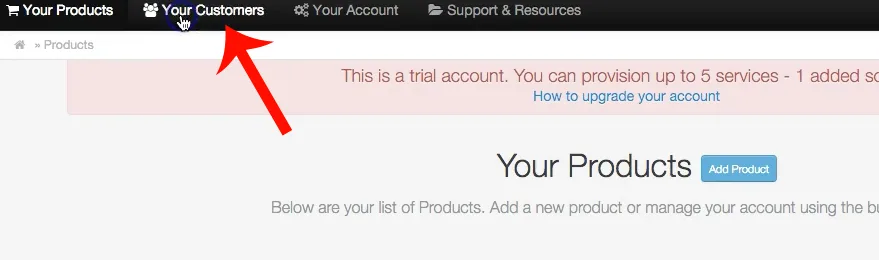
2. Click “Your Customers” in the top navigation.
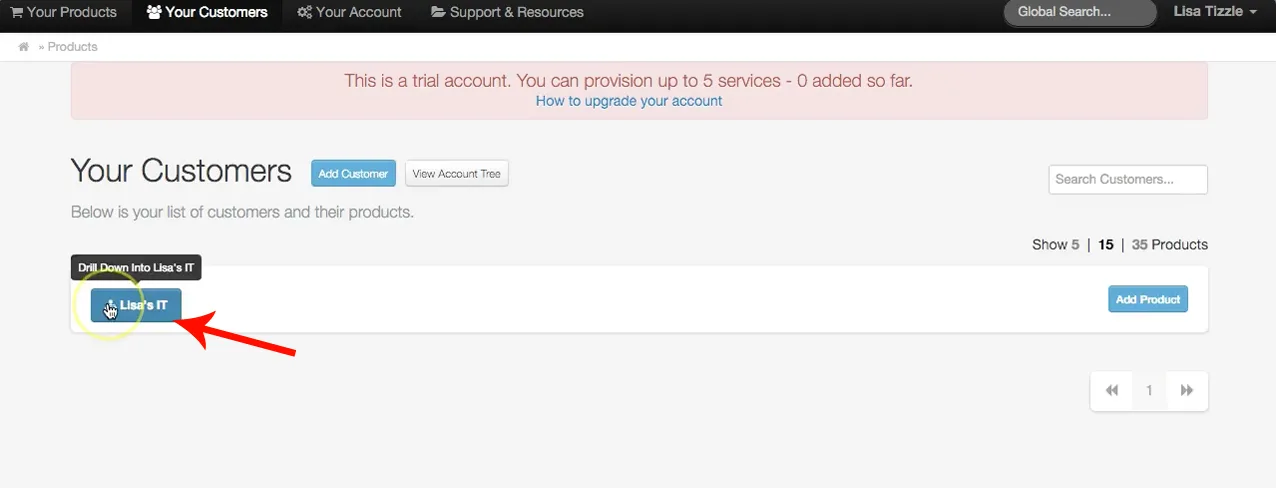
3. Drill down into the Customer you’d like to delete.
Important: If you have any products provisioned for your customer, they need to be deleted prior to deleting the customer. Learn how to delete a product here.
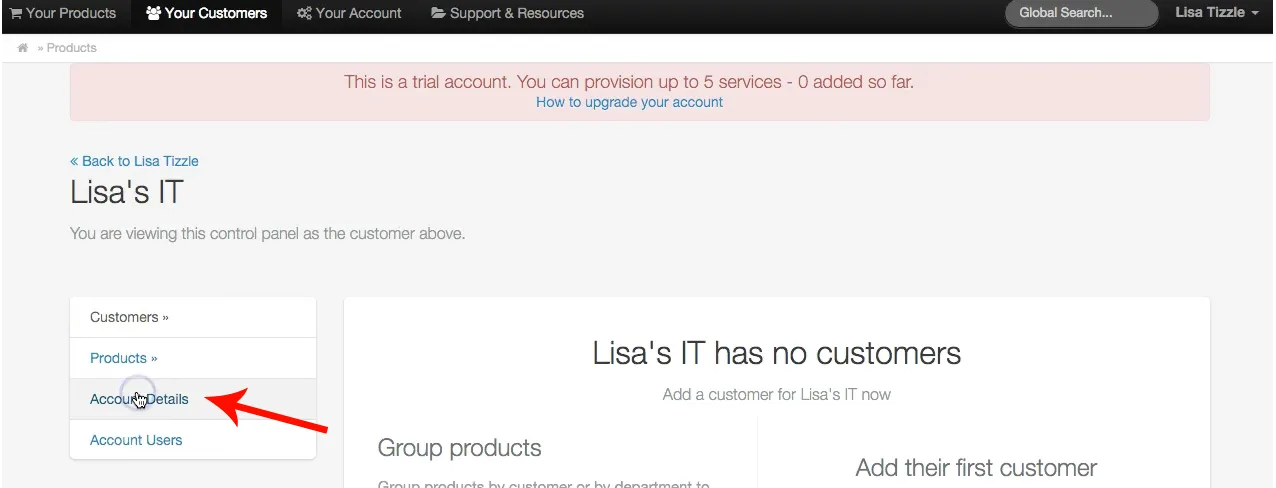
4. Click “Account Details” in the left navigation.
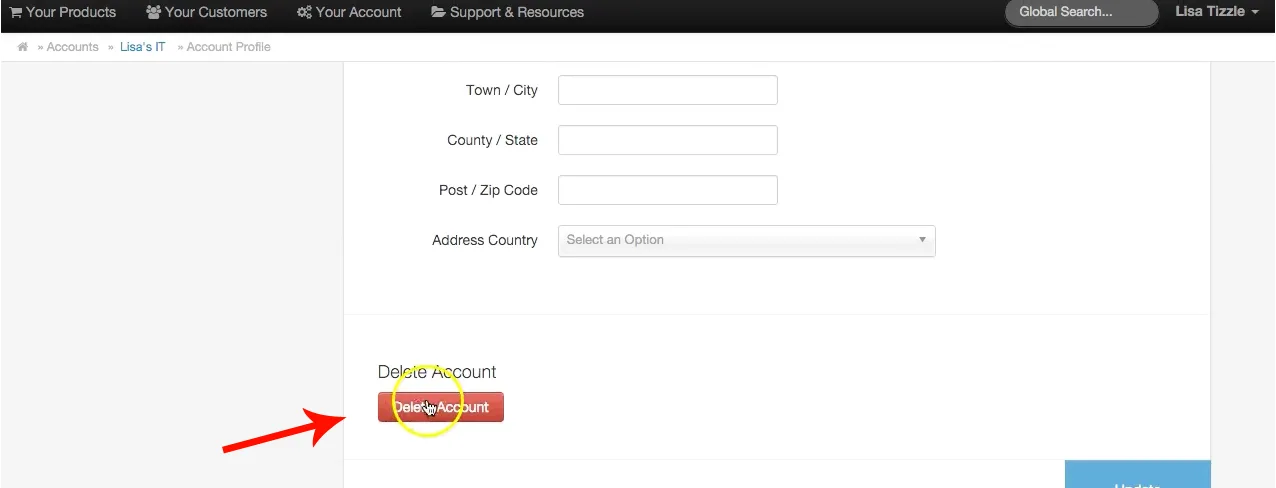
5. Scroll to the bottom where it says “Delete Account”.